Move the microphone closer to the source, turn its rejection null toward the speakers, and mute every channel you are not actively using. That combination resolves most feedback within seconds because it restores gain-before-feedback rather than fighting the symptom. If the howl or ring returns once the mic is repositioned, the problem is likely a resonant room frequency or a wireless transmitter setting, and it needs proper EQ or receiver adjustment rather than another quick nudge.
TL;DR:
- Moving the microphone closer to the source and reorienting it toward the null can eliminate most feedback without needing EQ adjustments.
- Muting unused channels, lowering stage volume, and applying high-pass filters prevent feedback by reducing low-frequency rumble and stage noise.
- Properly ringing out the room with narrow EQ cuts at resonant frequencies and maintaining gain staging are critical to controlling feedback effectively.
- Wireless systems require attention to transmitter gain and antenna placement, as RF interference often mimics feedback but needs different fixes.
- Investing in in-ear monitors and professional operators improves feedback control by reducing stage volume and providing real-time sound assessment.
Table of Contents
- Quick checklist to try in the next 5 minutes
- How do you know if it’s feedback or wireless interference?
- Core fixes: placement, gain staging, and ringing out with EQ
- Wireless-specific checks that fix what EQ can’t
- What tools actually help beyond good setup
- Field-tested checklist from Reza for events
- The real problem with most feedback advice online
- When it’s time to bring in a professional operator
- Sources
Quick checklist to try in the next 5 minutes
Feedback rarely needs a full system rebuild. Before touching an EQ, run this sequence in order:
- Close the distance. Bring the mic nearer to the mouth or instrument and drop the overall PA level to match.
- Reorient the mic. Point the rear or null of a directional capsule toward the nearest speaker or monitor wedge, and angle wedges away from open mics.
- Mute what is not working. Kill unused channels and engage high-pass filters on vocal inputs to strip out low-frequency rumble that eats headroom.
- Change the monitoring path. If wedges are the trigger, cut wedge volume or, better yet, switch performers to in-ear monitors.
These four moves address the placement and orientation fundamentals that cause most feedback loops at live events, wireless or otherwise. If the ring persists after all four, you are dealing with something more specific, which is where diagnosis starts to matter.
How do you know if it’s feedback or wireless interference?
Acoustic feedback and RF interference sound like cousins, not twins, once you know what to listen for. Acoustic feedback builds as a sustained tone that climbs or wavers in pitch as you raise the fader. RF interference, by contrast, tends to arrive as dropouts, harsh crackle, or sudden bursts of static that have nothing to do with gain level.
Two tests settle the question quickly:
- Mute the PA mains. If the howl stops instantly, you are dealing with acoustic feedback, since the loop needs the loudspeaker output to sustain itself.
- Switch the transmitter off for a second. If the symptom changes character or vanishes rather than simply going quiet, the issue lives in the wireless signal path, not the room.
A phone-based real-time analyzer or a basic tone generator can help you capture the exact ringing frequency during a controlled ring-out, which turns a guessing game into a targeted fix.
Pro Tip: Do your ring-out test with performers and their in-ear packs or monitors live and running. A room rings differently with bodies, drapes, and monitor wedges in play than it does during an empty soundcheck.

Core fixes: placement, gain staging, and ringing out with EQ
Physics does most of the heavy lifting here. Halving the distance between a microphone and its source raises the sound pressure hitting the capsule by roughly 6 decibels, thanks to the inverse square law. That means you can pull the same 6 dB out of the PA and still hear the performer just as clearly, which is the single most reliable way to buy headroom before feedback ever starts.
The 6 dB rule: Move a mic from 12 inches to 6 inches away from a voice, and you gain roughly the same headroom as cutting the master fader by 6 dB, without losing a decibel of perceived loudness at the mic.
Once placement is sorted, ring out the room properly:
- Raise the master fader slowly until you hear the first onset of ringing.
- Apply a narrow cut, roughly 3 to 6 dB, at that exact frequency using a parametric EQ rather than a wide graphic sweep.
- Bring the level back up and repeat, hunting for the next ring.
- Stop after three or four frequencies. Ringing out a system is meant to tame specific resonances, not carve a scalloped, lifeless EQ curve.
A high-pass filter around 80 Hz on every vocal channel removes rumble that contributes nothing to intelligibility but eats into your available gain. And every open mic on stage is another chance for feedback to find a path, so muting anything not actively in use, and keeping stage volume as low as the performance allows, adds real headroom without a single EQ move. Manufacturer guidance from Audio-Technica is blunt about this: any microphone will feed back under the wrong system conditions, so technique and system design carry more weight than the mic model itself.
Wireless-specific checks that fix what EQ can’t
Wireless systems introduce a layer wired mics never deal with, and it trips up even experienced technicians. Transmitter sensitivity and companding stages can quietly compress the signal before it ever reaches your console, and that compression makes a wireless channel feel more prone to feedback than an equivalent wired mic in the same spot. Lowering the transmitter’s AF gain often restores that missing headroom without sacrificing usable range at typical event distances, based on field reports from working engineers.
Run through these before blaming the room:
- Check transmitter output level and pull it back if the input appears to be clipping or over-driving internally.
- Set receiver output so the console sees a healthy signal without pushing the preamp into unnecessary gain.
- Ring out the system using the actual wireless units you will perform with, since wireless frequency response differs from wired equivalents and a wired ring-out simply will not translate.
- Confirm antennas have a clear, line-of-sight path to receivers where the venue allows it, and scan for a clean frequency before doors open.
Pro Tip: A body-pack transmitter with its gain set too hot can mimic acoustic feedback almost perfectly. If a mic rings the moment you unmute it, check transmitter sensitivity before you touch a single fader.
What tools actually help beyond good setup
Automatic feedback suppressors detect a runaway frequency and apply a fast notch before it builds into a full howl. They are a genuine safety net during a live show, but they exist to catch mistakes, not replace correct placement and gain staging. Lean on one during a chaotic multi-mic event; do not let it become your entire feedback strategy.
For more surgical work, a few tools consistently earn their place in a technician’s kit:
- A parametric EQ with narrow bandwidth control for precise notches during ring-out.
- A measurement mic paired with pink noise and a real-time analyzer when you need to map a room’s resonances objectively, not by ear alone.
- In-ear monitor systems, which remove wedge-to-mic feedback almost entirely by taking the loudspeaker out of the performer’s immediate space.
Switching to in-ears is a bigger operational change, but for venues that fight feedback every single show, it is often the fix that finally sticks.
Field-tested checklist from Reza for events
Ceremonies and corporate shows leave no room for a mid-speech feedback squeal, so the checklist runs the same way every time. Before doors open: confirm mic-to-mouth distance with the officiant or speaker, lock mic clips so they cannot rotate mid-use, check transmitter battery and gain settings, and ring out the room using the actual wireless kit that will be live during the event, not a spare from the case.
Once the show is running, triage in this order:
- Mute channels that are not currently in use.
- Pull the master down in small steps rather than one dramatic cut.
- Notch the offending frequency narrowly, then bring gain back up slowly.
- Photograph mic and monitor placement once the room sounds right, so a return visit to the same venue starts from a known-good setup instead of from zero.
That last habit alone has saved more soundchecks than any single piece of gear, and it costs nothing but a phone camera.
The real problem with most feedback advice online
Most guides treat feedback as an EQ problem, and that framing is backwards. EQ is where you go after placement and gain staging have already failed to solve it, not the first move. The technicians who fight feedback the least are the ones who obsess over mic distance, orientation, and stage volume before they ever touch a parametric filter.
The wireless layer gets even less attention than it deserves. Plenty of advice online still treats wireless mics as if they behave identically to wired ones, and that assumption causes real problems on show day. Transmitter companding and gain staging are invisible until they are not, and by the time a wireless channel starts ringing, most operators reach for the EQ instead of checking the pack. That is the wrong order of operations.
If there is one priority worth taking from this, it is sequencing: fix geometry first, gain staging second, EQ third, and treat suppressors as insurance rather than strategy. Skip a step and you will chase symptoms all night instead of the cause.
— Reza
When it’s time to bring in a professional operator
A trained ear catches a rising resonance half a second before it becomes an audible problem, and that half-second is the difference between a clean toast and a wincing room full of guests, as explained in this couples guide to audio in wedding cinematography. A professional operator brings that kind of real-time monitoring to weddings, corporate functions, and multicultural celebrations, pairing a properly rung-out sound system with an operator experienced in solving this exact problem at a range of events.
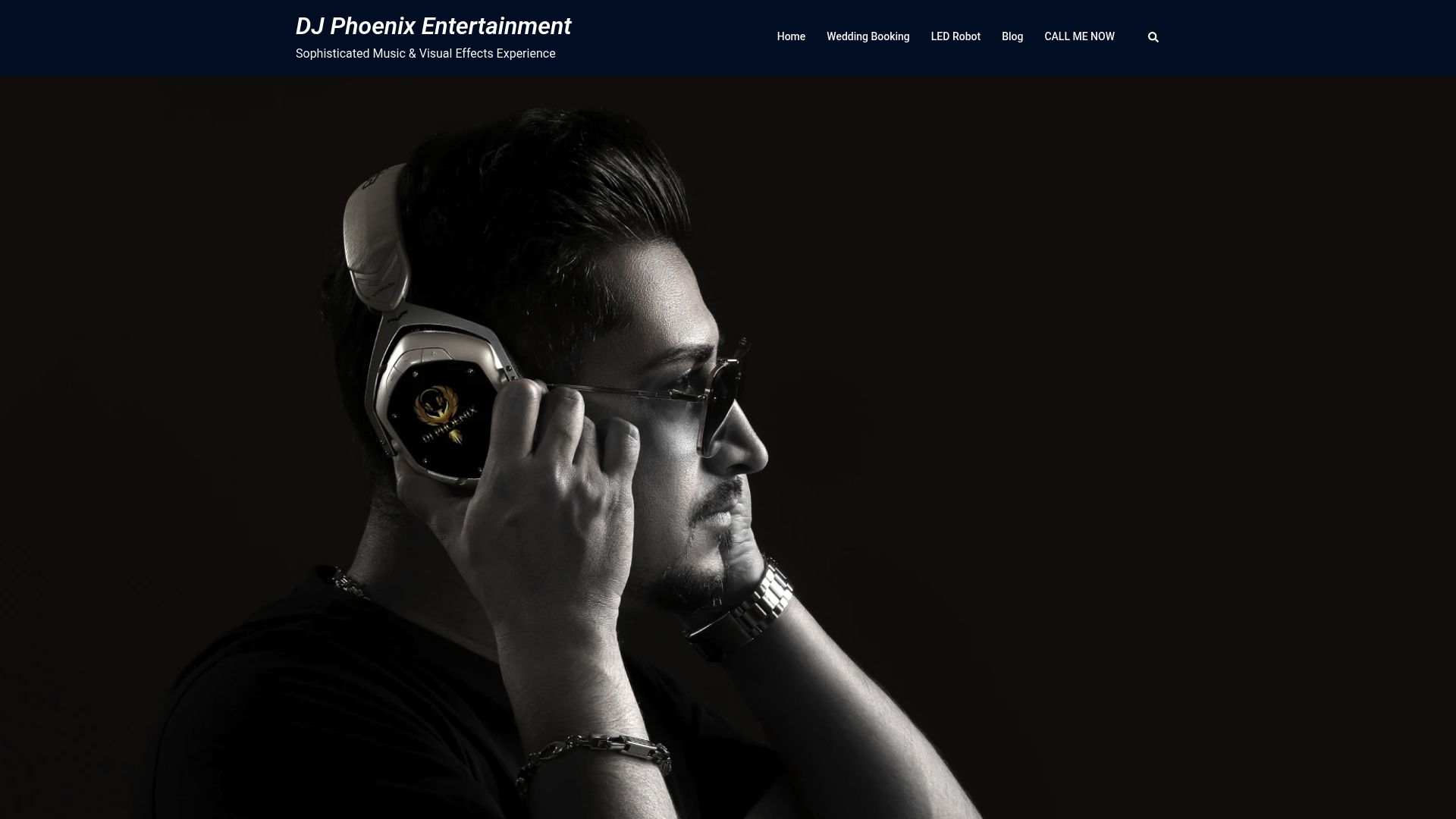
Beyond the gear, what you are really renting is judgment: someone who assesses the venue’s acoustics before a single guest arrives, sets transmitter and receiver gain correctly for that specific room, and can triage a live issue in seconds rather than minutes. If you would rather hand this off entirely, browse the DJ performance gallery to see the sound setups in action, or check sound system rental packages to see what a fully tuned wireless rig costs for your event date.
Sources
- How to control feedback in a sound system – Shure
- HyperPhysics — audio: inverse square law / sound
- Preventing acoustic feedback on stage – Sound on Sound
- Audio‑Technica — How do I prevent microphone feedback? (Audio Solutions)