The most reliable approach combines two moves: add an optional song-request field to your RSVP flow, then offer QR-code submission at the reception for anyone who missed it or thought of a request later. Treat every suggestion as exactly that, a suggestion, with the couple and DJ holding final say. Modern request dashboards let your DJ deduplicate submissions and export a clean list before the first dance.
TL;DR:
- Collect RSVP song requests as a mandatory field on your wedding RSVP form, tagging each with guest details to streamline export and organization.
- Use QR codes at the reception to allow guests to submit late or missed song requests directly from their phones without app downloads.
- Limit requests to one per household and prepare a short, ranked list of must-plays to help the DJ prioritize effectively during the event.
- Provide the DJ with a finalized request list one to two weeks before the wedding, including do-not-play items and the reception timeline.
- Manage requests during the event through a filtered dashboard, allowing the DJ to batch-accept similar requests and quietly decline inappropriate songs.
Table of Contents
- How to collect song requests at RSVP and on your wedding website
- Set up QR-code and web-request platforms for the reception
- How DJs and MCs should manage requests during the event
- When to finalize requests, export formats, and briefing your DJ or band
- Expert rules: song counts, pacing and sample request patterns
- Legal considerations and copyright issues for playing requested songs at the wedding
- Guidance on handling request overload or inappropriate song selections
- Tips for encouraging guests who may be hesitant to submit requests
- Strategies for balancing diverse musical tastes and demographics among guests
- Reza’s practical checklist and short first-person note for planners
- How DJ Phoenix helps couples collect and manage song requests
- Sources
- FAQ
How to collect song requests at RSVP and on your wedding website
The RSVP stage is the highest-engagement moment you will have with your guest list, so it is the natural place to ask. A request field can sit directly on the RSVP form, appear on the confirmation screen right after a guest submits their reply, or live on a dedicated music page of your wedding website. The Private Wedding App notes that this field typically appears after RSVP confirmation; guests can skip it freely, and the resulting requests export alongside the guest list rather than as a separate file to reconcile later.
Keep the field optional and limit it to one song per household, which curbs duplicate entries without discouraging participation. Tag each request with the guest’s name and their RSVP details so your DJ receives a list that is already organized, not a jumble of anonymous titles.
- RSVP capture: high engagement, tagged automatically with guest data, ready to export.
- Post-invite shared playlist link: lower uptake, since it depends on guests remembering to open a separate link weeks later.
Asking early beats asking late almost every time, simply because attention is highest when guests are already filling out a form for you.
Set up QR-code and web-request platforms for the reception
A QR-code system catches the requests RSVP missed: the song someone remembers only after a glass of wine, or the guest who skipped the form entirely. The flow is simple. A guest scans the code, searches or types a song title, and submits it through a browser, no app download required. DJ Request points out that web-based systems remove that download friction entirely, and the resulting dashboard supports search, deduplication, vote counts, and accept-or-decline controls for the DJ managing the queue.
Place the code somewhere guests will actually see it: table tents, the bar, the welcome sign, even the bathroom mirrors work well, and a card near the MC area gives latecomers one more chance. A short setup checklist keeps this from becoming a scramble on the wedding day itself.
- Create the event inside the request platform and confirm the guest-facing link works.
- Test the QR code on two or three phones before printing anything.
- Print codes onto table tents, signage, and bar cards.
- Brief your MC and DJ on how the dashboard works and who checks it during the reception.
- Monitor the queue periodically rather than constantly, so the DJ can stay focused on reading the room.
Vote counts and duplicate tallies become the DJ’s shorthand for what the room actually wants, which matters more than any single guest’s insistence.
How DJs and MCs should manage requests during the event
A filtered-requests policy works better than an open-door one. Guests can submit freely, but the DJ decides what fits the timeline, the energy, and the flow already built into the set. VibeQueue explains that digitizing this process gives DJs veto power and lets them batch-manage submissions instead of fielding individual guests at the booth, which keeps interruptions to a minimum while still making guests feel heard.
Do-not-play and must-play lists should travel with your DJ well before the event, not get mentioned in passing on the day. Vote counts and duplicate tallies help the DJ prioritize fairly rather than by whoever asked loudest or most often.
- Batch-accept a cluster of similar requests at once rather than responding song by song.
- Let the MC serve as the moderator, quietly acknowledging requests without promising a specific slot.
Pro Tip: Never tell a guest “it’s next.” Say “I’ve got it noted” and let the DJ decide the timing without a broken promise hanging over the dance floor.
When to finalize requests, export formats, and briefing your DJ or band
Close the RSVP-stage collection shortly after your RSVP deadline, then hand the finalized list to your DJ one to two weeks before the event. That window gives the DJ time to build a working set list without last-minute scrambling, while still leaving room for late QR submissions on the night itself.
Most DJs work comfortably with a CSV or spreadsheet export, though some platforms also support direct playlist imports. Whatever the format, the file should be ready to hand off, not something the DJ has to reformat first.
- Full request list, tagged with guest name and any priority ranking.
- Do-not-play list, kept short and specific.
- Reception timeline with key moments marked.
- One point of contact for last-minute questions.
A clean handoff like this is the difference between a DJ who is reacting all night and one who already knows the shape of the room.
Expert rules: song counts, pacing and sample request patterns
Dinner service works best around 15 to 25 songs an hour, a pace that leaves room for conversation without letting the energy drop. That number changes once dinner ends and the floor opens, but it is a useful anchor for anyone building a timeline with their DJ.
Rather than handing over many unranked suggestions, aim for a ranked list of a manageable number of songs your DJ can move through quickly under pressure. A short list of true must-plays, clearly marked as priority, is worth more than a long list with no hierarchy at all.
Certain songs recur across almost every generation and guest list. ABBA’s “Dancing Queen,” Earth, Wind & Fire’s “September,” and Journey’s “Don’t Stop Believin’” show up repeatedly on request lists because they are familiar enough for grandparents and cousins alike to sing along without hesitation. Planners can pull further examples from a tested list of dance floor fillers when building their own suggestion sheet.
- Rank your must-plays instead of listing them all as equal priority.
- Trust the DJ’s read of the room over a rigid minute-by-minute plan.
- Leave space in the timeline for the DJ to adjust based on what is actually working.
Legal considerations and copyright issues for playing requested songs at the wedding
Most receptions are covered through the venue’s or DJ’s existing music licensing arrangements, which handle the public performance side of playing commercial recordings. That said, licensing rules vary by venue type, by whether the event is private or open to the public, and by jurisdiction, so it is worth confirming directly with your venue or DJ what their arrangement covers rather than assuming. A professional DJ working regularly in the wedding space will typically already carry the appropriate coverage for standard reception use, which is one more reason to route requests through them rather than a personal playlist app that was not built with public performance in mind.
Custom edits, mashups, or clean versions of songs raise a separate question, since altering a recording can touch on rights beyond simple performance. If a request calls for an edited version, ask your DJ whether they have access to a properly licensed edit rather than assuming any file found online is fair game. None of this needs to complicate your planning. It mostly means keeping the conversation with your vendor direct: confirm their licensing covers your venue and guest count, and let them handle the technical side while you focus on the guest list.
Guidance on handling request overload or inappropriate song selections
A flood of requests is a good problem, but it still needs a system. This is exactly where a filtered dashboard earns its keep: sorting by vote count and duplicate tally turns fifty scattered requests into a short list of what the room actually wants, rather than a stack the DJ has to triage in real time.

Inappropriate requests, whether that means explicit lyrics, a song tied to an awkward memory, or something simply off-brand for the event, are best handled quietly rather than announced. A DJ can decline without drawing attention to the guest who asked, and a short do-not-play list submitted in advance prevents most of these moments before they happen. Couples building that list can start from a do-not-play guide built specifically for weddings, and those wanting a fully vetted starting point can pull from a set of clean dance songs already screened for family-friendly receptions.
The goal is not to reject requests outright but to filter with intention, keeping the night moving without letting one guest’s playlist override the couple’s own.
Tips for encouraging guests who may be hesitant to submit requests
Some guests skip the RSVP request field simply because they assume it will not matter, or they cannot think of anything on the spot. A little framing helps: instead of asking “any song requests?”, try “what’s one song that always gets you on the floor?” The specificity makes it easier to answer.
QR codes solve the second wave of hesitation, the guests who thought of something after RSVPing but assumed it was too late. A visible code at the bar or on the tables signals that the door is still open, and a brief note from the MC early in the reception, something as simple as mentioning the code is there for anyone with a favourite, tends to bring in a handful of submissions that would otherwise never surface. Low-pressure framing consistently outperforms a hard ask.

Strategies for balancing diverse musical tastes and demographics among guests
A guest list spanning grandparents, cousins, coworkers, and childhood friends rarely shares one musical taste, and that is fine. The fix is not one universal playlist but a set built in layers: a foundation of cross-generational floor-fillers, pockets of genre-specific requests placed deliberately through the night, and a DJ experienced enough to read when the room wants a shift.
This is where a DJ’s ability to move between styles matters more than any single song choice. A skilled DJ reads which table is dancing and which is still seated, then adjusts rather than sticking rigidly to a pre-built order. For multicultural celebrations especially, building in intentional space for specific cultural or generational selections, rather than treating them as occasional exceptions, tends to keep more of the room engaged for longer.
Reza’s practical checklist and short first-person note for planners
In practice, I lean on RSVP collection first and QR codes as the safety net, since together they catch almost every guest who wants a say. Here is the checklist I hand every couple:
- Deliver your final request list one to two weeks before the event.
- Separate must-play from do-not-play clearly.
- Name one point person for day-of questions.
- Export as a spreadsheet or CSV, not a screenshot.
- Confirm on-site QR support is tested and printed.
- Clarify the MC’s role in moderating requests live.
— Reza
How DJ Phoenix helps couples collect and manage song requests
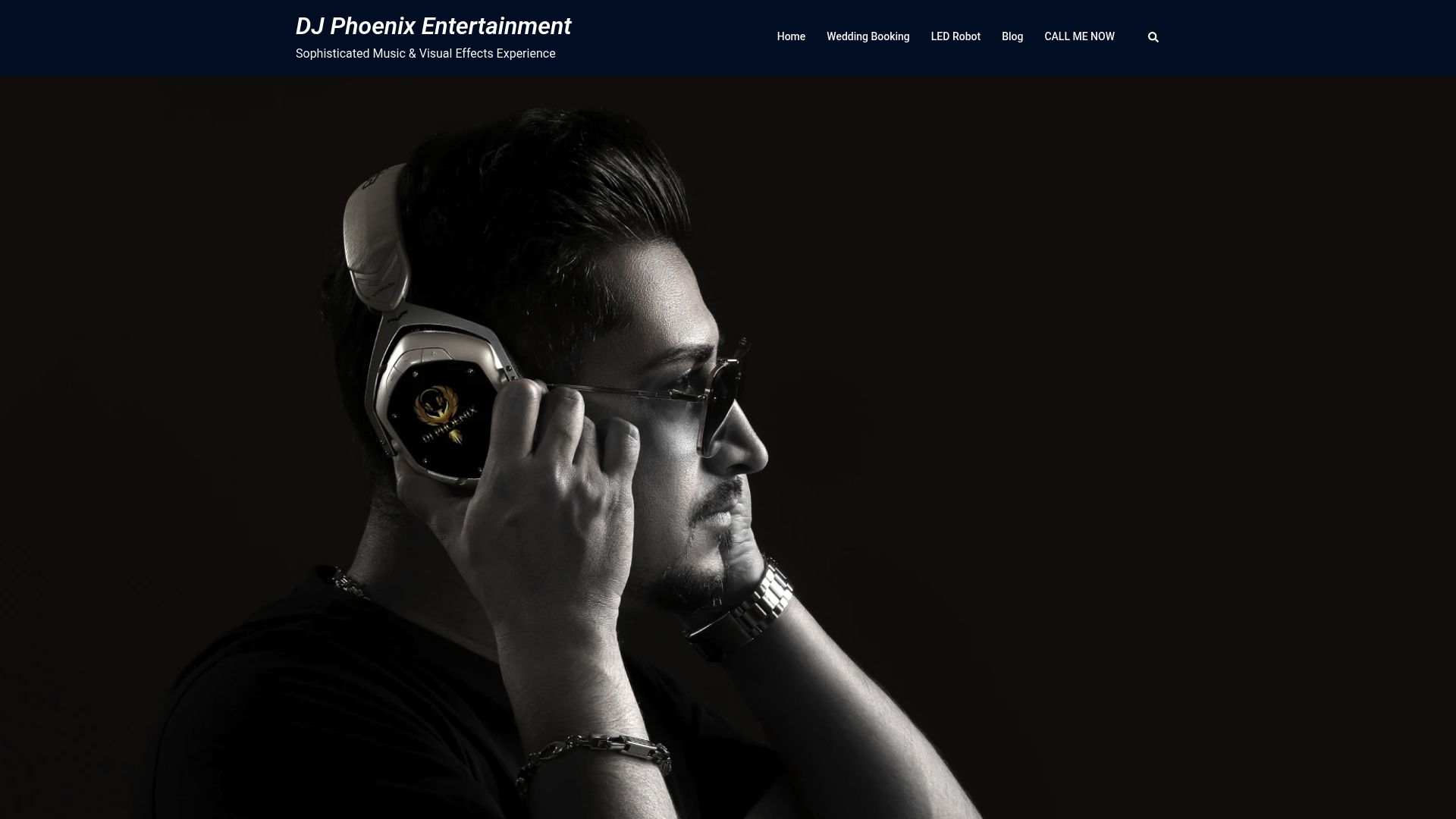
Request management can be built into the wedding planning process rather than as an afterthought squeezed in the week before your wedding. This can include guidance on setting up an RSVP request field, QR-code support at the reception, dashboard moderation so nothing awkward slips through, and a DJ experienced in reading a room full of different generations and tastes.
- Wedding packages, including music planning and on-site request handling, are outlined on the Gold, Silver, and Bronze package page.
- Couples who want to see the full range of services before booking can start on the main wedding services page.
If you are ready to hand off your guest list and stop worrying about the request booth, consider reaching out through the packages page to arrange timeline planning support.
Sources
- Wedding Song Requests: Most Requested Songs and How to Collect Guest Picks | The Private Wedding App
- How to Handle Wedding Song Requests Without Ruining the Vibe | VibeQueue
- DJ Request App | QR Code Song Requests for DJs
FAQ
What are good song requests for a wedding?
Cross-generational floor-fillers tend to work best, since they get guests of every age dancing at once. Songs like ABBA’s “Dancing Queen,” Earth, Wind & Fire’s “September,” and Journey’s “Don’t Stop Believin’” recur across countless request lists for exactly this reason.
How do DJs handle song requests?
DJs typically use a digital dashboard that lets them search, deduplicate, and either accept or decline submissions without stopping to talk to each guest individually. VibeQueue notes this batch approach keeps guests feeling heard while letting the DJ retain control over pacing and flow.
What is the most requested wedding song?
There is no single universal answer, since requests shift by generation and region, but certain titles appear consistently across DJ-reported request lists. ABBA’s “Dancing Queen” is among the most frequently mentioned examples in recurring request data.
How many songs do I need to pick out for my wedding?
A ranked list of roughly 40 to 50 must-play songs works better than an unranked pile of 150 suggestions, since it gives your DJ a clear priority order to work from under time pressure. Beyond that list, most DJs prefer flexibility to read the room rather than a fixed minute-by-minute plan.