Place the DJ close to the dance floor and facing it, with front-of-house speakers aimed at the dancers rather than at walls or exits. That one decision protects your sound coverage, keeps clear sightlines for photographers and announcements, and pulls guests onto the floor faster. Confirm space and power with the venue, and coordinate permits if you are outdoors or working across several zones.
TL;DR:
- For rectangular rooms, center the booth on the long wall; reserve raised or side booths for visibility, traffic routes, or blocked camera angles.
- Place subwoofers near the center line, aim monitors at each microphone’s null point, and test sound from the room’s worst seat before guests arrive.
- Noise limits vary by time and location, with cited municipal limits ranging from 55–85 dBA; confirm permits, operating hours, and power with the venue early.
- Separate dinner and dance sound levels with a zoned system, and leave open floor space for processions, circle dances, or performers.
Table of Contents
- Why does DJ placement change the whole night?
- Which DJ locations work best for common venue layouts?
- What placement mistakes should you avoid?
- How should you set up speakers, monitors and microphones?
- How do you coordinate placement with the venue and local sound rules?
- What is the night-of setup checklist?
- How do LED robots, VJ screens and an MC change where the DJ sits?
- How should DJ placement adapt to multicultural and diverse crowds?
- How much space do sparkler machines and dry ice fog need?
- What I have learned reading rooms as a DJ
- How can DJ Phoenix handle placement, equipment and on-site coordination for you?
- FAQ
- Sources
Why does DJ placement change the whole night?
Placement decides who hears the music clearly and who sits in a muddy pocket of sound. Hard walls bounce sound back into the room, and those reflections create dead zones and uneven loudness. Guests at the back table may hear a wash of bass while the dance floor sounds thin.
Proximity matters just as much. A DJ standing near the floor reads faces, catches the moment a song lands and adjusts within seconds. That feedback loop is why a close, visible booth tends to fill a dance floor faster than a DJ tucked into a far corner.
Announcements depend on it too. When the DJ or MC can see the head table, the entrance and the cake, cues are smoother and toasts do not start by surprise.
Finally, think about the camera. A booth planted in the middle of a wide shot, or a speaker stack behind the couple during the first dance, clutters every photo from that angle. Good placement keeps equipment out of the frame while keeping the DJ in the room’s natural line of action.
Which DJ locations work best for common venue layouts?
Every room has a different shape, so start with the layout, then choose the position. These are the options we reach for most often:
- Front of the dance floor: the strongest choice for energy and even coverage. Place speakers on either side of the booth, angled inward toward the floor, and keep subwoofers near the centre line so the low end stays balanced.
- Centred on the long wall: the safe layout for rectangular rooms. Sound travels the short dimension of the room, which tends to give more even coverage than a corner setup.
- Raised stage: helpful for visibility in larger rooms, but speakers need directional aiming, because a stage near a back wall throws reflections straight back at the DJ and the first rows of guests.
- Front and centre on the dance floor: it works for intimate gatherings where the floor is small and the crowd is close. It demands space planning, since cables, a table and a clear path for staff all take room.
- Side stage or elevated booth: a smart fit when the main traffic route or the photographer’s preferred angle would be blocked by a centred booth. Raising the booth slightly also gives the DJ a view over standing guests.
Whichever layout you pick, walk the room first. Mark where guests will enter, where servers will travel and where the photographer will stand, then fit the booth around those lines. Our guide on DJ equipment space requirements explains the minimum and recommended footprint, so you can allow enough clearance before you commit to a spot.
What placement mistakes should you avoid?
Most placement problems repeat from venue to venue. Check your plan against these common mistakes before the day arrives:
- Putting the DJ in a corner. Corners give uneven coverage and harsh reflections, and they push the DJ away from the action.
- Blocking service aisles, exits or the bar. It creates operational headaches for staff and real safety risks if guests need to leave quickly.
- Setting speakers too near walls, pillars or behind cameras. Close surfaces increase reflections, and a speaker standing behind the photographer’s position ruins wide shots.
- Cramming equipment with no breathing room. Leave space for monitors, backup gear and an MC, because a crowded table leads to knocked cables and slow fixes.
A pillar deserves special mention. Guests behind it lose both the sound and the view of the DJ, so treat it as an obstacle when you choose the booth location, not an afterthought.
How should you set up speakers, monitors and microphones?
Technical setup is where a good position becomes a good sound. Keep these rules in mind:
- Aim front-of-house speakers at the dance floor, and away from reflective walls and neighbouring homes. This reduces sound bleed and helps you stay within local limits.
- Place subwoofers centrally where you can. Stacking every sub on one side skews the low end, so the left half of the room hears something different from the right.
- Aim monitor wedges into the microphone’s null point. For a cardioid mic, that is directly behind the capsule. For a supercardioid mic, the null point is off-axis, according to a stage monitor feedback guide that also recommends angling floor wedges toward the performer’s ears.
- Keep monitor volume as low as workable. Every extra decibel brings feedback closer.
- Consider in-ear monitors if feedback has been a recurring problem at past events.
- For banquet halls, think in zones. Dinner and speeches need different levels from dancing, and a banquet hall sound guide suggests planning speaker placement for even coverage, with a multi-zone amplifier to set each zone separately.
Pro Tip: Run your first soundcheck from the farthest, worst seat in the room, not from the booth. If it sounds good there, it sounds good everywhere.
How do you coordinate placement with the venue and local sound rules?
Start with the venue manager, well before the event. Confirm load-in routes, the approved DJ locations and the power available at each spot. Some rooms have a designated DJ area, and others restrict where heavy equipment may sit.
Then look at the noise rules. Municipalities regulate amplified sound through ordinances, and one city council summary notes limits frequently between 55 and 85 dBA, depending on time and location. Some cities use decibel permits or temporary variances, and Raleigh’s amplified sound page describes a process that can require a sound mitigation plan, a site plan and a fee.
Outdoor spaces add another layer. Austin, for example, asks outdoor venues to hold an outdoor music venue permit that sets operating hours and sound limits. Seattle reviews outdoor amplified sound case by case and may attach conditions such as third-party noise monitoring and directional speaker mounting.
So ask a simple question early: does the venue already hold an outdoor-music permit, or do you need a temporary variance? Directional aiming and multi-zone setups then let you meet the limit without draining the energy from the dance floor. For open-air events, our guide to outdoor wedding sound with hidden speakers covers the placement side in more detail.
What is the night-of setup checklist?
Work through these steps in order during load-in:
- Walk the site and mark the dance floor, power outlets and exits.
- Place speakers and subs, then soundcheck from the worst seat.
- Set monitors, run feedback checks and confirm microphone null-point aiming.
- Secure cables and clear the photographer’s sightlines.
- Agree the final maximum level with the venue, and set a neighbour-check routine if you are outdoors.
For unfamiliar locations, a destination venue sound assessment helps you catch surprises before load-in day.
How do LED robots, VJ screens and an MC change where the DJ sits?
Extra entertainment turns a single booth into a small production, so placement has to make room for each element and keep every sightline open. Plan the whole stage picture first, then fit the DJ into it.
A LED Robot Dancer needs a clear performance lane, usually at the edge of the dance floor, with enough space for the performer to move and for guests to form a loose circle. Keep the booth close enough that the DJ can cue the entrance, but far enough that the performer never steps over cables. If you are weighing this add-on, our LED Robot Dancer Rental page explains what the performance involves.
A VJ service adds screens or projection, and those change everything about sightlines. Screens must be visible from most of the room, which usually means placing them on a wall beside or behind the DJ, not in front of speakers. The VJ also needs a small workstation next to the DJ, with shared power and a clean view of both the screen and the floor.

An MC works best standing where the whole room can see them and where a cordless microphone stays well away from speaker fronts, since that is where feedback starts. Give the MC a spot near the booth with a clear line to the head table.
Finally, check how visuals read on camera. A bright screen behind the couple’s first dance can wash out photos, so agree the lighting and screen plan with the photographer. Our overview of lighting in wedding DJ sets shows how these pieces fit together.
How should DJ placement adapt to multicultural and diverse crowds?
A diverse guest list rarely behaves like one crowd. Older relatives may prefer to sit close enough to talk, while younger guests want the floor, and some traditions include group dances, circle dances or processions that need far more open space than a standard slow dance.
Start by asking the couple or host which cultural moments are planned: a hora, a bhangra set, a Latin dance block or a family entrance. Each one changes how much floor you need and where the DJ should stand to see it. A circle dance, for instance, needs a wide, clear area, so a booth pushed too far into the floor can spoil the moment.
Next, consider how guests will approach the DJ. At many multicultural events, relatives walk up with song requests or a cue for a family tradition. A booth with an open, approachable side makes that easy and keeps the line away from the speakers. Placing the booth where elders can sit comfortably within sight, but outside the loudest zone, lets every generation take part.
Sound needs a balance as well. Keep the dinner zone at a conversational level so grandparents are not shouting across the table, then let the dance zone run louder. That is one more reason a multi-zone system earns its place.
Reading the room is the real skill here. We curate playlists for multicultural tastes and adjust the layout as the crowd tells us what it wants, even if that means shifting a speaker or moving the booth as the event gets underway.
How much space do sparkler machines and dry ice fog need?
Special effects look spectacular, but they are the first things to collide with a tight floor plan. Plan their space before you settle on the booth position, not after.
Sparkler machines (our party packages include 2-machine and 4-machine options) need clear vertical space above them and a safe distance from guests, décor, fabric and low ceilings. Ask the venue whether cold-spark effects are permitted, and confirm the ceiling height and sprinkler arrangement. Place machines on either side of the dance floor or at the entrance to a feature moment, with a staff member assigned to each one.
Dry ice fog behaves differently: it is heavy and hugs the floor, so it creeps toward low areas and exits. Keep it away from egress routes and from the DJ’s own footing, since a fog bank over cables is a trip hazard. Handle dry ice with insulated gloves, store it in a ventilated container, and never seal it in an airtight space. Our dry ice fog service is available for events.

On the logistics side, allow extra load-in time, a separate power circuit where possible, and a clear path for the person managing the effects. Leave a buffer between effects and speaker stacks so fog and sparks do not drift into equipment. If you want a planning reference, our guide to custom DJ experience planning walks through how these pieces fit together.
What I have learned reading rooms as a DJ
Most placement advice treats the booth as a fixed object, but I think the room should decide, and the room changes as guests arrive. A booth at the end of a long hall can leave the dance floor half empty; moving the speakers and sliding the table closer to the floor can help draw the crowd in. The crowd filled in. Since then, I assess every venue before the event, and DJ Phoenix can provide venue assessments and day-of setup for exactly that reason.
— Reza
How can DJ Phoenix handle placement, equipment and on-site coordination for you?
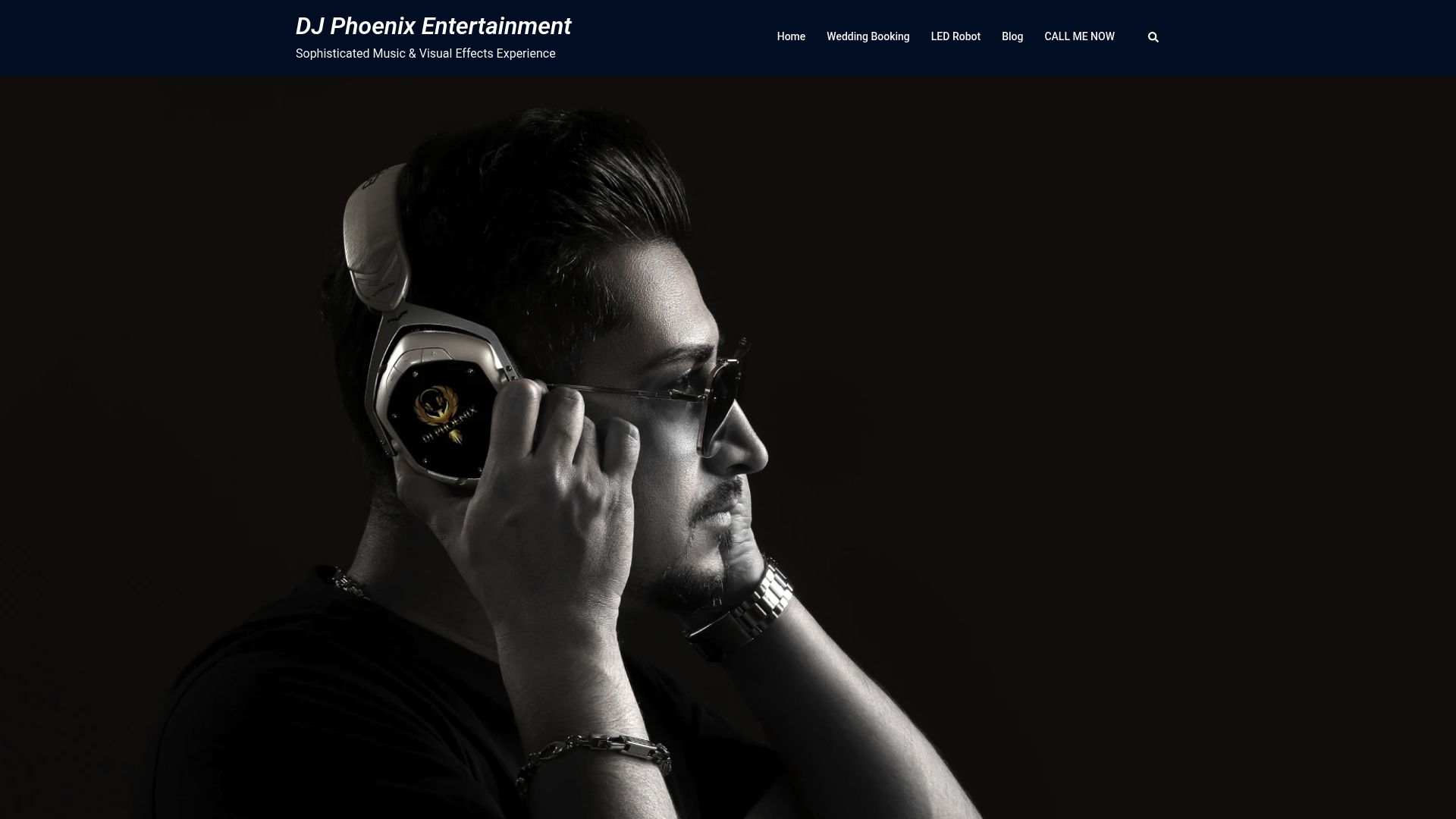
Placement is easiest when professionals own it. We offer wedding DJ packages, sound-system rental and MC support, so one team handles the booth position, soundcheck and day-of adjustments. We coordinate with your venue on power, load-in and sound limits, which lowers the risk of complaints on the night. Our Gold, Silver and Bronze wedding packages start at $1,500, so you can see what fits your event and request a venue assessment today.
FAQ
Where is the best place to put a DJ at a wedding?
Close to the dance floor, facing it, with speakers aimed at the dancers instead of walls. This gives even sound coverage and lets the DJ read the crowd. Keep clear lines to the head table and the photographer.
How do I stop feedback from the DJ’s monitors?
Aim monitor wedges into the microphone’s null point, and keep monitor volume as low as workable. Guidance on positioning stage monitors notes the null point sits directly behind a cardioid capsule. In-ear monitors help if feedback keeps returning.
Do I need a permit for outdoor amplified music?
It depends on your city and venue. Some places, such as Seattle, review outdoor amplified sound case by case, so ask your venue manager early.
How much space does a DJ setup need?
It depends on the gear, but allow room for the booth, monitors, backup equipment and an MC. Our equipment space guide lists minimum and recommended clearances.
Sources
- Raleighnc
- Outdoor Amplified Sound – Special Events | seattle.gov
- How to Position Stage Monitors to Avoid Feedback (2026 Guide)