Secure a dedicated officiant microphone, whether lavalier or headset, and schedule a full sound check with your system operator before a single guest sits down. Anchor that check around three essentials: a wireless handheld or lav for vows, a properly angled powered speaker, and a named person, your DJ, venue technician, or coordinator, who owns audio for the entire ceremony.
TL;DR:
- A dedicated sound operator should perform a full sound check, focusing on the officiant’s microphone, speaker placement, and system levels before guests arrive.
- Using a single compact powered speaker for up to 100 guests is generally sufficient if positioned correctly, avoiding feedback by pointing it away from microphones.
- Incorporating extras like additional speakers, backup batteries, and direct audio feeds enhances coverage and recording quality, especially in challenging outdoor venues.
- Always scan wireless channels onsite, avoid placing speakers behind or beside microphones, and keep spare gear ready to prevent live troubleshooting during the ceremony.
- Hiring a professional operator, such as Dj-phoenix, ensures reliable sound with pre-tested gear, backup options, and coordination with videographers for a polished ceremony experience.
Table of Contents
- Ceremony sound checklist: must-have equipment and assignments
- Smart extras that improve coverage and recordings
- Common mistakes to avoid on your ceremony sound checklist
- Pre-ceremony questions to ask your venue, DJ, or audio vendor
- How to run a step-by-step pre-ceremony sound check
- Outdoor and challenging-venue sound considerations
- Backup plan and live troubleshooting quick reference
- Why a professional operator changes ceremony risk
- How Dj-phoenix handles your ceremony sound checklist for you
- Sources
Ceremony sound checklist: must-have equipment and assignments
A ceremony lives or dies on intelligibility, and intelligibility starts with the right microphone on the right person. Here is the equipment list that belongs on every wedding ceremony sound checklist, regardless of guest count or venue type.
- Officiant microphone: a lavalier or headset mic, clipped to the lapel or worn over the ear, frees the hands and keeps the voice at a consistent distance from the capsule, which matters more for intelligibility than raw volume.
- Vows and readings microphone: a wireless handheld works well when the couple passes it between speakers, while two lavaliers let both partners speak without handling anything. Handhelds are more flexible for readers who wander from a script; lavs are cleaner for couples who stand still and want their hands free.
- Speakers, sized to guest count: a single compact powered speaker handles most ceremonies under 100 guests. Angle speakers toward the audience, never behind or beside the officiant, since pointing a speaker at a live microphone is the fastest route to feedback, according to this practical guide to ceremony sound systems.
- A mixer or level control, and a named operator. Someone specific, not “whoever is closest,” needs to own gain levels and mic switching for the full ceremony.
- Power and backup: confirm primary power access, then add a battery backup, spare batteries, a spare microphone, extra cables and adapters, gaffer tape, and wind protection like foam or furry windscreens.
Miss any one of these and the ceremony still probably happens. Miss two or three, and you are troubleshooting live in front of 150 people.
Smart extras that improve coverage and recordings
The must-haves keep a ceremony audible. These extras keep it polished, and they matter more than most planners assume.
- Add a second speaker or a delay speaker when seating stretches wide or deep, so guests in the back rows hear the same clarity as the front.
- Provide a direct audio feed, or at minimum a recorded backup, to the videographer so the wedding film doesn’t rely on a camera-mounted mic picking up wind and chatter.
- Choose wireless systems with frequency diversity and carry an extra receiver, which protects against dropouts in venues with heavy Wi-Fi or cellular traffic.
- Run a simple in-line compressor, limiter, or automatic gain control ahead of the mix, protecting vocal clarity when a nervous speaker suddenly gets loud or soft.
- Consider a discreet ambient or room microphone if you want the recorded ceremony to capture applause, laughter, and the natural room tone, not just the speaking voice.
Common mistakes to avoid on your ceremony sound checklist
- Assuming venue speakers will just work. Untested “house” audio is the single most common point of failure. Run the check anyway.
- Placing speakers behind or beside the officiant, aimed back at the microphone, which invites feedback the moment gain gets pushed.
- Leaving nobody in charge of levels. Someone must actively manage gain and mic switching, not just press play and walk away.
- Skipping spares. No backup battery, no backup microphone, no plan.
- Never scanning wireless channels. Interference from nearby venues, radios, or other events can wreck a signal with zero warning.
Pre-ceremony questions to ask your venue, DJ, or audio vendor
Ask these before you sign anything, and ask them again the week of the wedding:
- Who provides and operates the sound system for the ceremony itself, the venue, your DJ, or a third-party audio tech?
- What microphones are included, how many, and who is responsible for clipping on the officiant’s lavalier?
- Is there a technician staying onsite through the ceremony, or is this a drop-off rental with no one to troubleshoot live?
- What power sources exist at the ceremony site, and has battery backup or a UPS actually been tested there, not just packed in the van?
- Can you run the complete sound check, with the actual officiant, actual readers, and actual music cues, before guests start arriving?
Vendors sometimes soften answers to these questions, which is exactly why asking pointed questions about equipment and technician presence before booking protects you later.
How to run a step-by-step pre-ceremony sound check
- Line-check every playback device first. Confirm processional and recessional music routes correctly and sits at the right volume before anyone speaks.
- Check the officiant’s mic at normal speaking volume, then physically walk every seating area to confirm coverage reaches the back row, not just the front.
- Test vow and reading microphones separately, along with any instrument inputs, since a mic that sounds fine solo can behave differently in a live mix.
- Raise mic levels slowly, watching for feedback. If it appears, reposition the speaker or reduce gain before pushing volume further.
- Confirm the recording or video feed, and listen to a short playback sample to catch handling noise, clothing rustle, or clipping before the real thing starts, a step borrowed directly from professional ceremony sound planning.
- Verify battery levels and wireless signal strength, and confirm out loud, with your operator, what happens if a mic needs swapping mid-ceremony.
Pro Tip: Run the entire check with the actual officiant and actual readers speaking at their real volume, not a stand-in reading numbers into the mic. Nervous voices and quiet speakers behave differently than a confident technician testing levels.
Outdoor and challenging-venue sound considerations
Outdoor ceremonies punish sloppy audio planning faster than any ballroom ever will. Wind alone can turn a clean lavalier into a rumbling mess within seconds.
- Use directional, cardioid microphones and foam or furry wind protection on every outdoor transmitter, since cardioid patterns isolate the voice from ambient wind noise far better than omnidirectional capsules.
- Prefer a head worn mic or dual lavaliers for the officiant when wind or ambient noise, traffic, waves, wind through trees, is a factor.
- Add extra or delay speakers for long, spread out seating on grass or sand, where sound dissipates faster than indoors.
- Scan the wireless spectrum onsite and favour UHF diversity systems where interference risk is higher, especially near other events or dense RF traffic.
- Secure stands against wind gusts, tape down every cable, and confirm a weather contingency plan before the forecast becomes the problem. For genuinely remote or unconventional sites, a dedicated venue sound assessment catches issues a phone call never will. Similar guidance applies for outdoor live music setups generally.
Backup plan and live troubleshooting quick reference
- Wireless mic drops mid-ceremony: switch to a handheld spare or wired mic immediately, and hand it directly to the speaker without breaking their flow.
- Feedback starts squealing: mute the offending channel first, then back off gain and reposition the speaker. A clear mute and unmute protocol between operator and officiant prevents panic here.
- Power fails entirely: fall back to a battery powered PA or a pre positioned portable speaker with music already cued, so the ceremony continues without an awkward silence.
- Keep a one page contact list and a condensed checklist at the operator station, so whoever is running sound never has to guess the next move under pressure.
Why a professional operator changes ceremony risk
Dj-phoenix has run sound for clients ranging from Persian wedding ceremonies to corporate stages for brands like Mercedes-Benz and FW Sports, and the pattern holds across every one of them: gear rarely fails on its own, gain structure and human response do. Three tasks separate a professional operator from a well-meaning volunteer: setting clean gain structure so peaks never clip, switching between microphones without a dead moment of silence, and activating backup gear within seconds rather than minutes. One ceremony, without naming the couple, hit a wireless dropout during the vows. The backup handheld was already powered on and in reach, so the swap took roughly four seconds and most guests never noticed. Planners who want the fuller picture of what a professional assumes responsibility for can look at how ceremony music roles get assigned and how sound checks fit into the wedding day timeline.
— Reza
How Dj-phoenix handles your ceremony sound checklist for you
You could assemble this entire checklist yourself, rent the gear, brief a friend on gain levels, and hope the wireless spectrum stays clear on the day. Dj-phoenix offers the other option: an assigned operator who runs the full sound check before guests arrive, brings backup batteries and a spare microphone as standard, and coordinates directly with your videographer for a clean recorded feed.
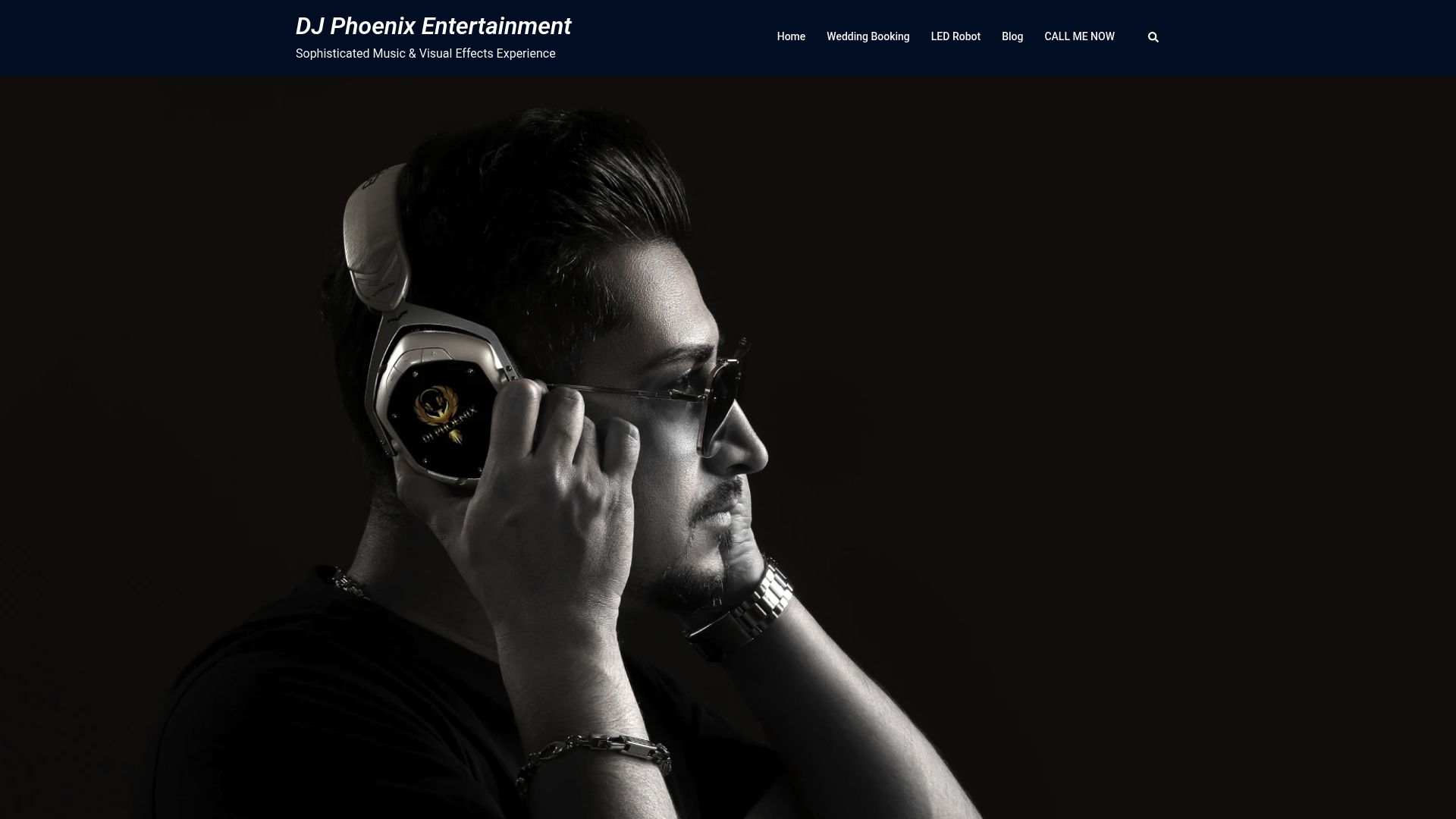
Booking onsite ceremony sound with Dj-phoenix means you are not the one troubleshooting a dropped lavalier during the vows. You get a technician who has done this for corporate stages and Persian wedding ceremonies alike, with the gear and the backup plan already sorted before the processional starts. If you are comparing budgets, the sound system rental cost breakdown shows realistic packages by guest count. When you are ready to lock in your date, request a quote through Dj-phoenix and get your ceremony sound checklist handled by someone who has already run it hundreds of times.